How do I initiate a stock transfer?
First you can let us know by providing your stock transfer information through Tradesk:
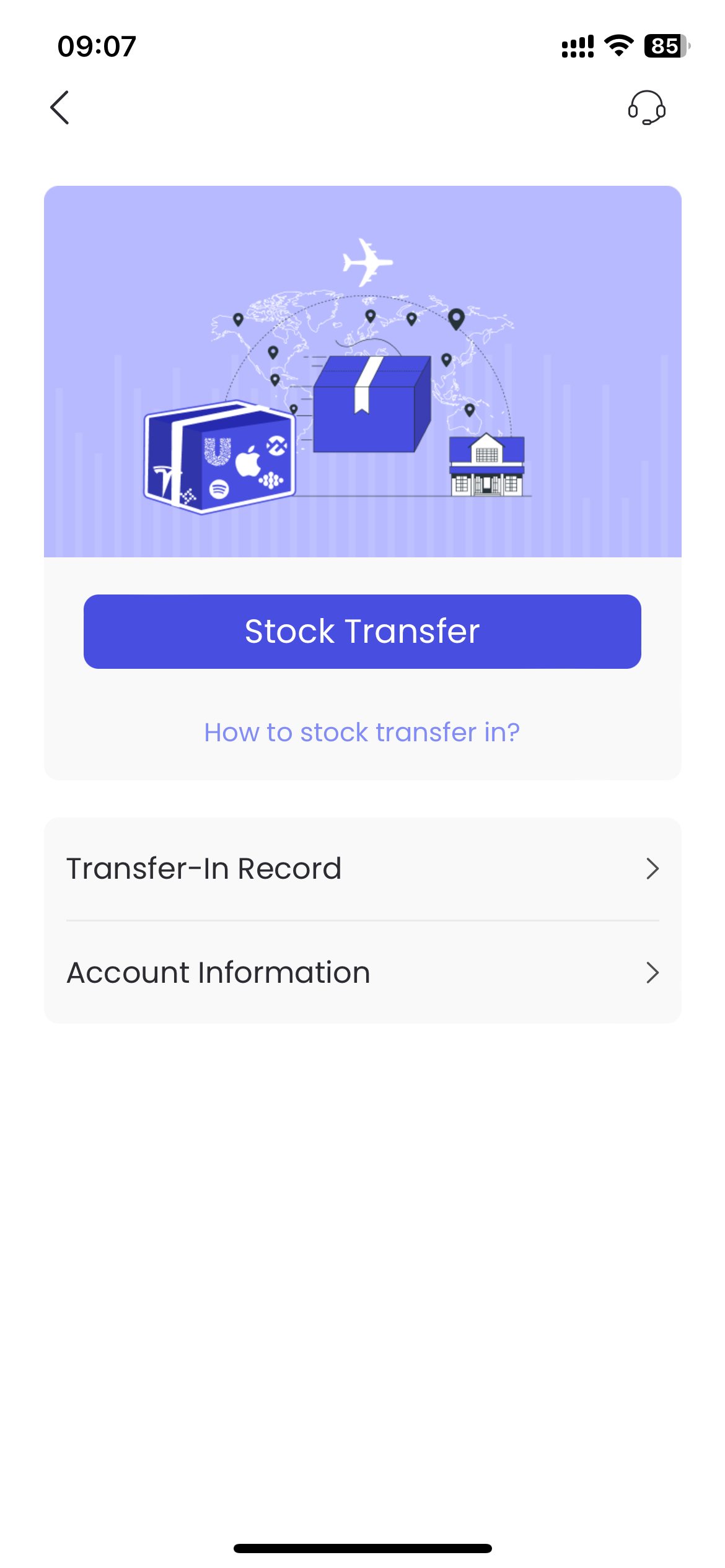
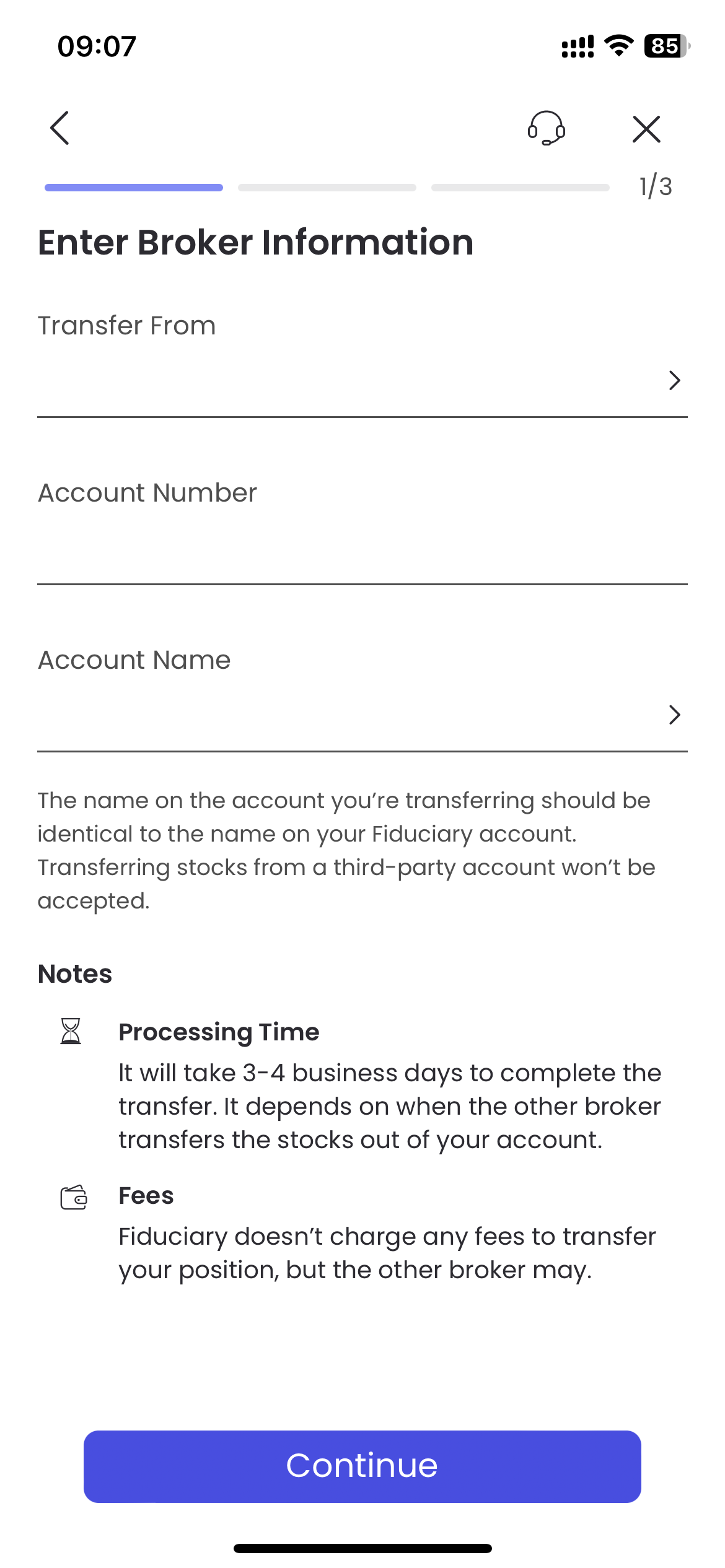
Step 1: Enter broker information
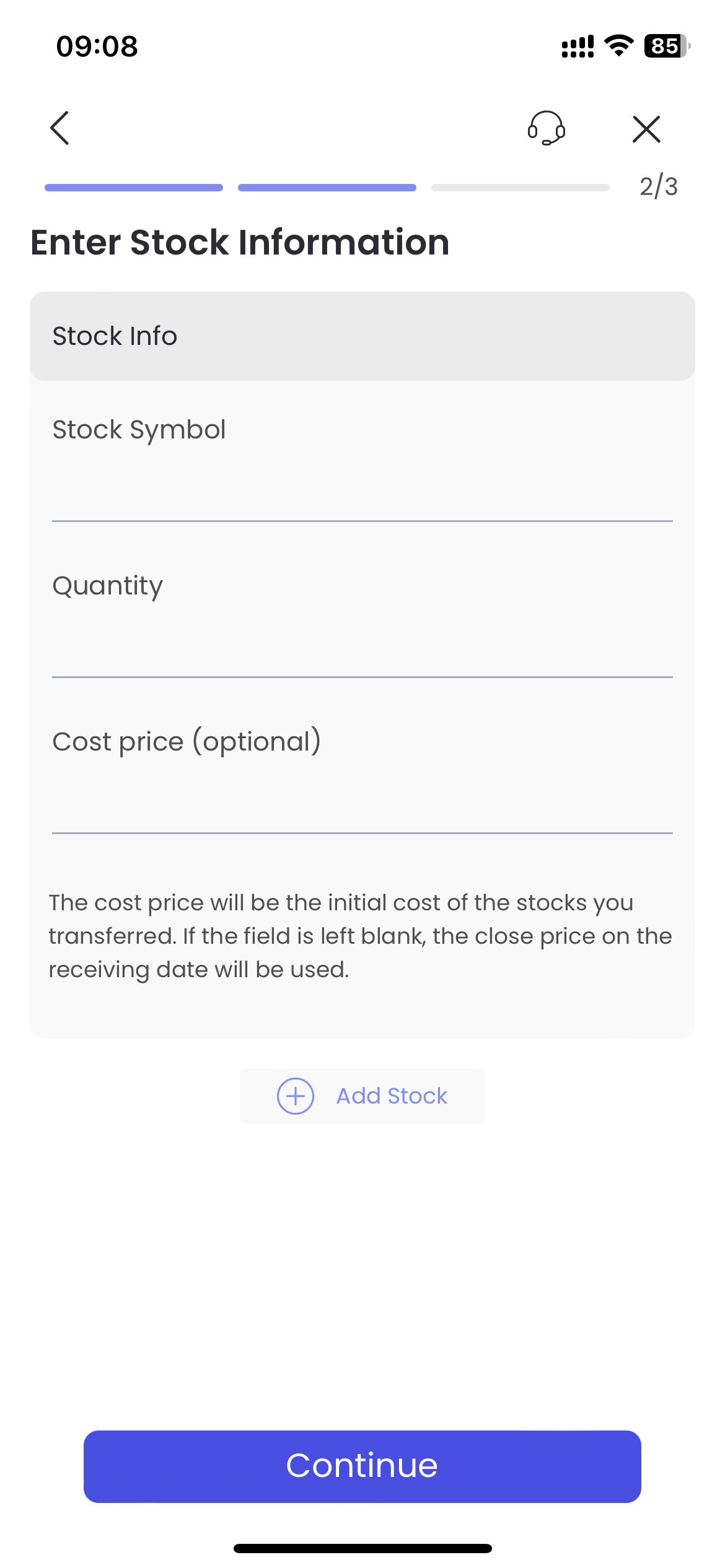
Step 2: Enter stock information (the cost price is used to calculate the position cost. If you do not specify a cost price, the closing price of the day when the stock is transferred will be used to calculate the position cost by default. If you specify a cost price, the profit and loss after the transfer is successful will be calculated according to the cost price you specified.
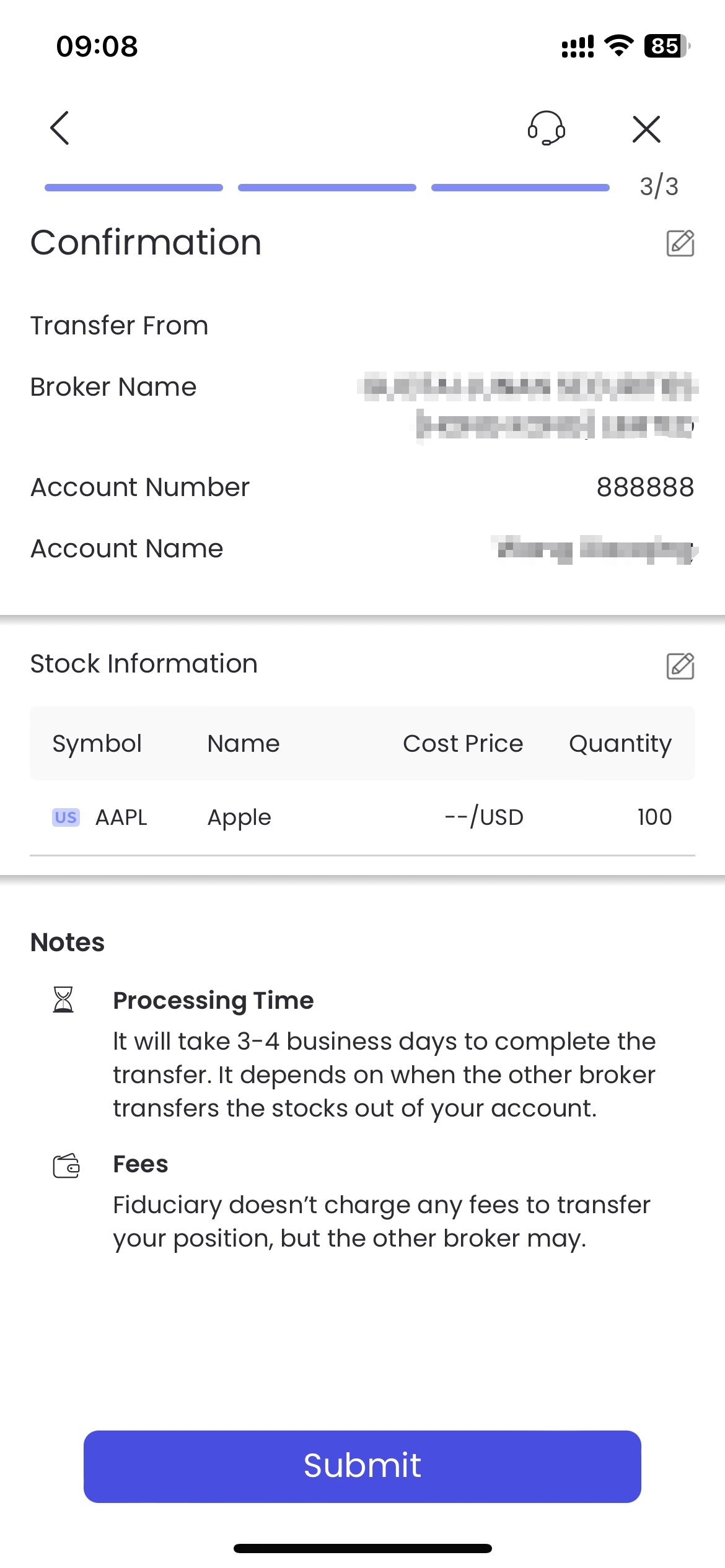
Step 3: Confirmation transfer information
Step 4: Transfer instruction has been received, please notify the delivery broker to transfer out
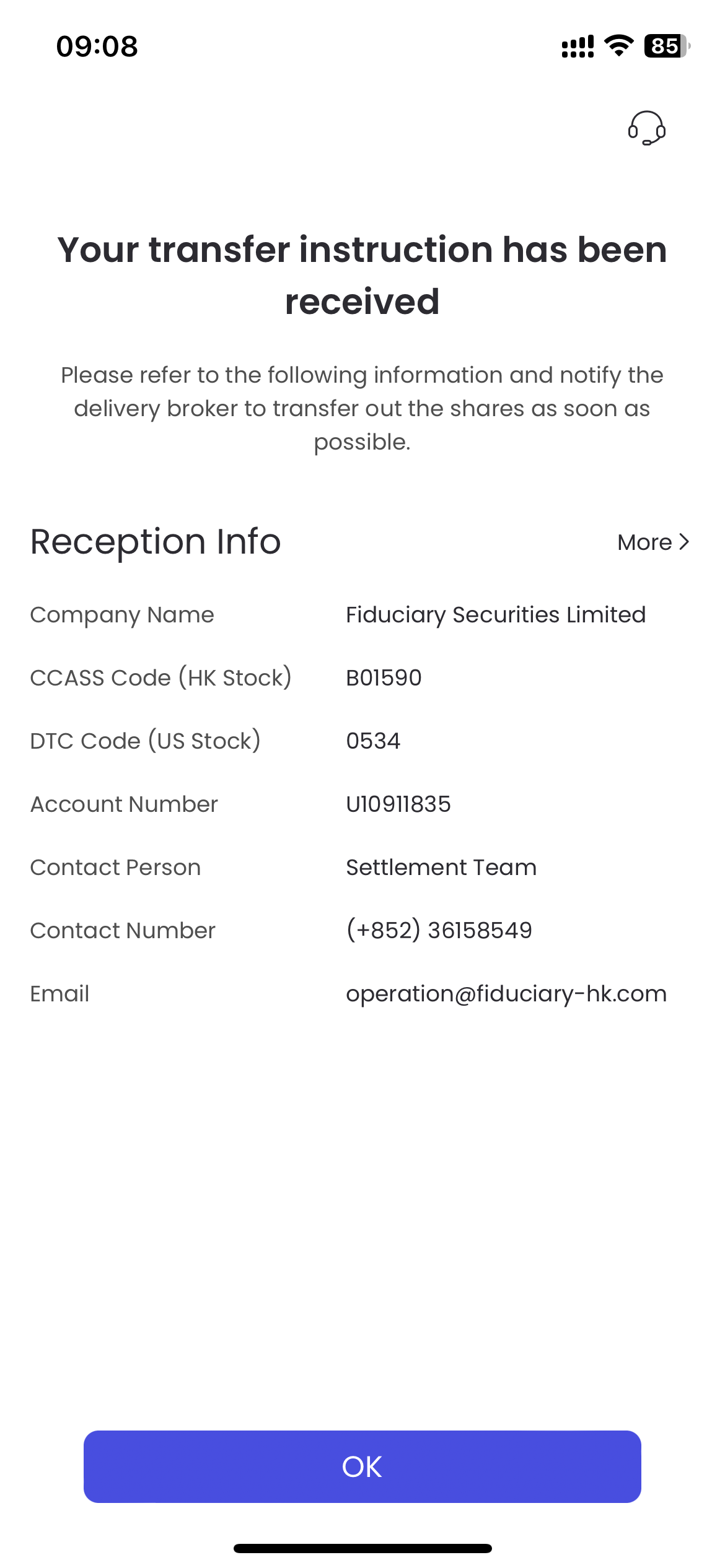
Make sure to contact the transfer-out brokerage and submit an application for transfer-out stocks. Since the notification methods of each brokerage are inconsistent, please refer to the requirements of the brokerage for details.