Check and Cancel Orders on Tradesk
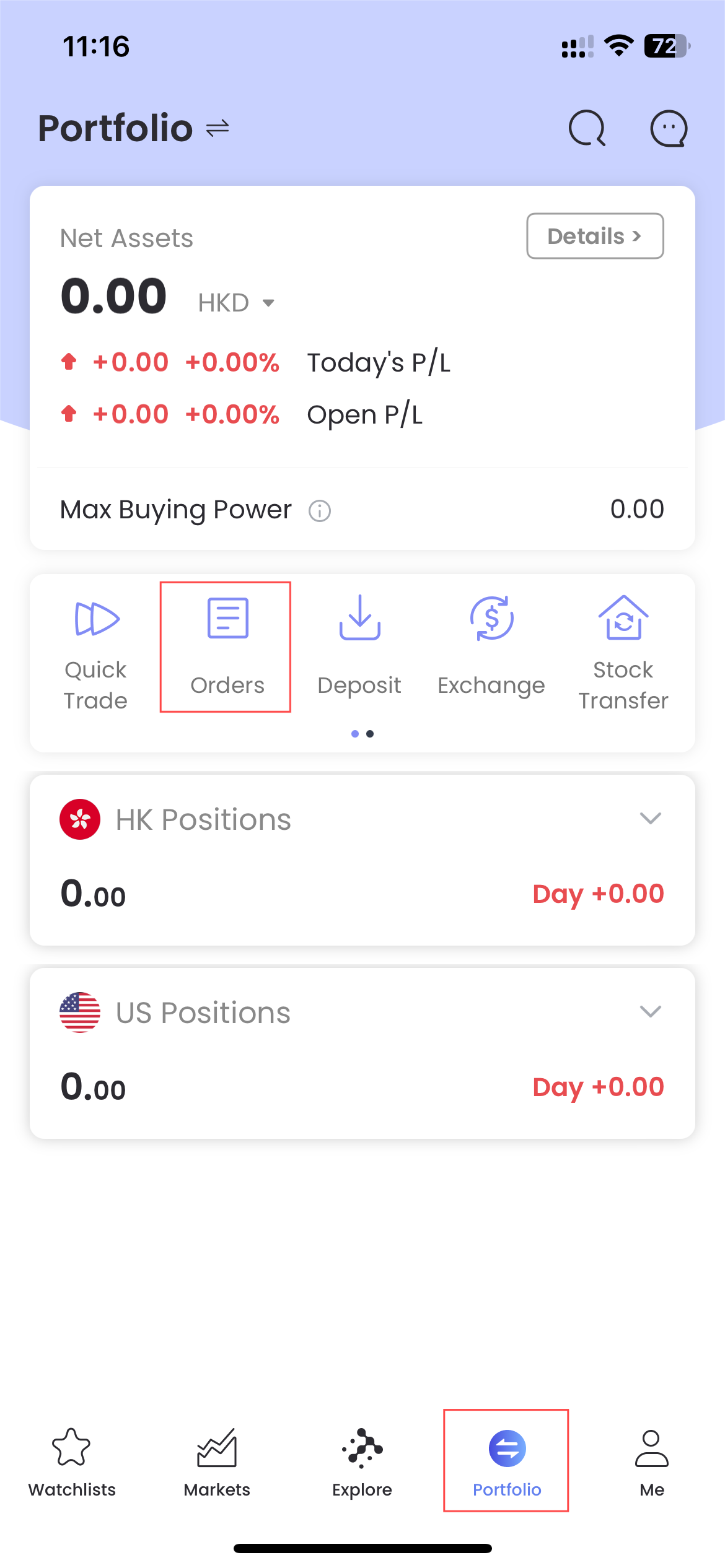
Check out your order status and history orders at "Portfolio"-"Orders".
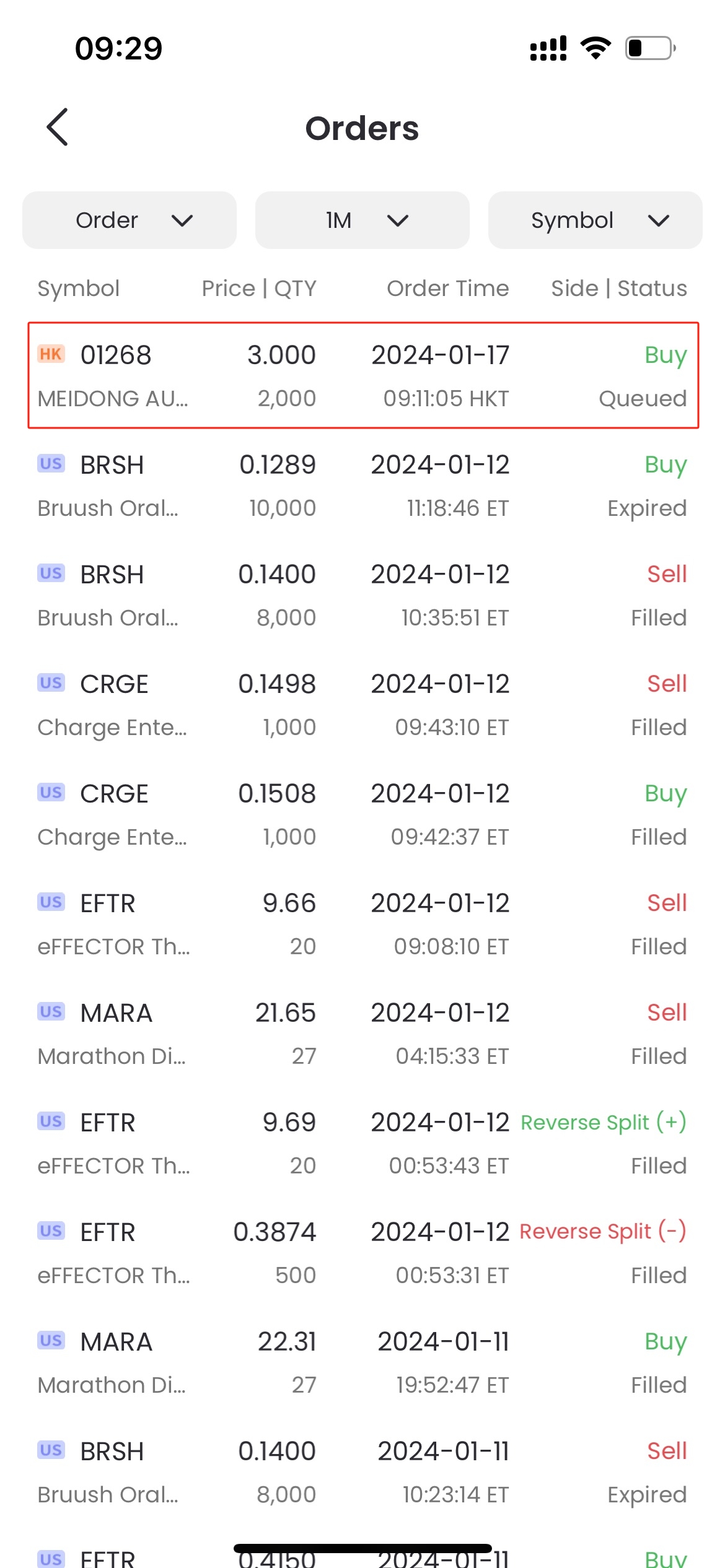
Tap a certain order to view the details.
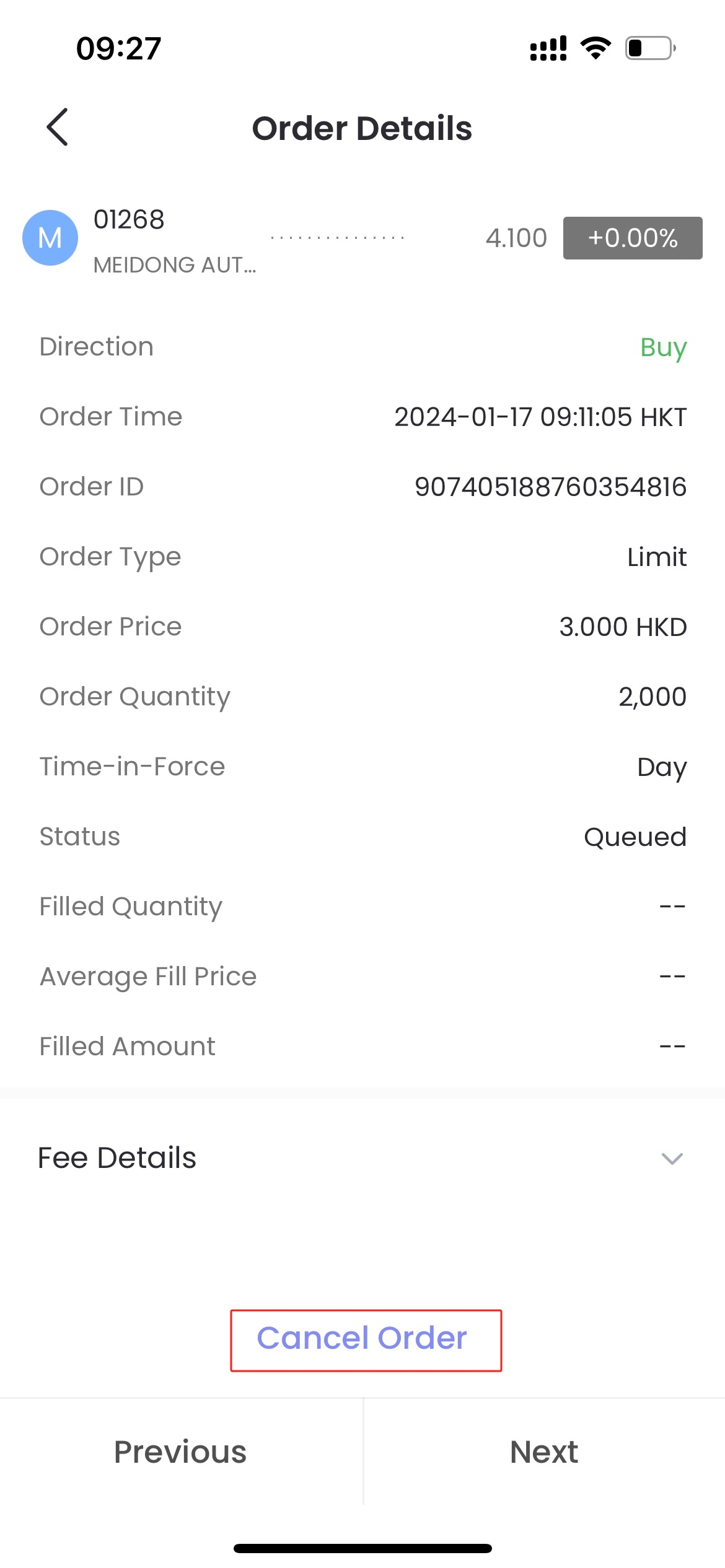
To cancel an order, click "Cancel Order" on the order details page.
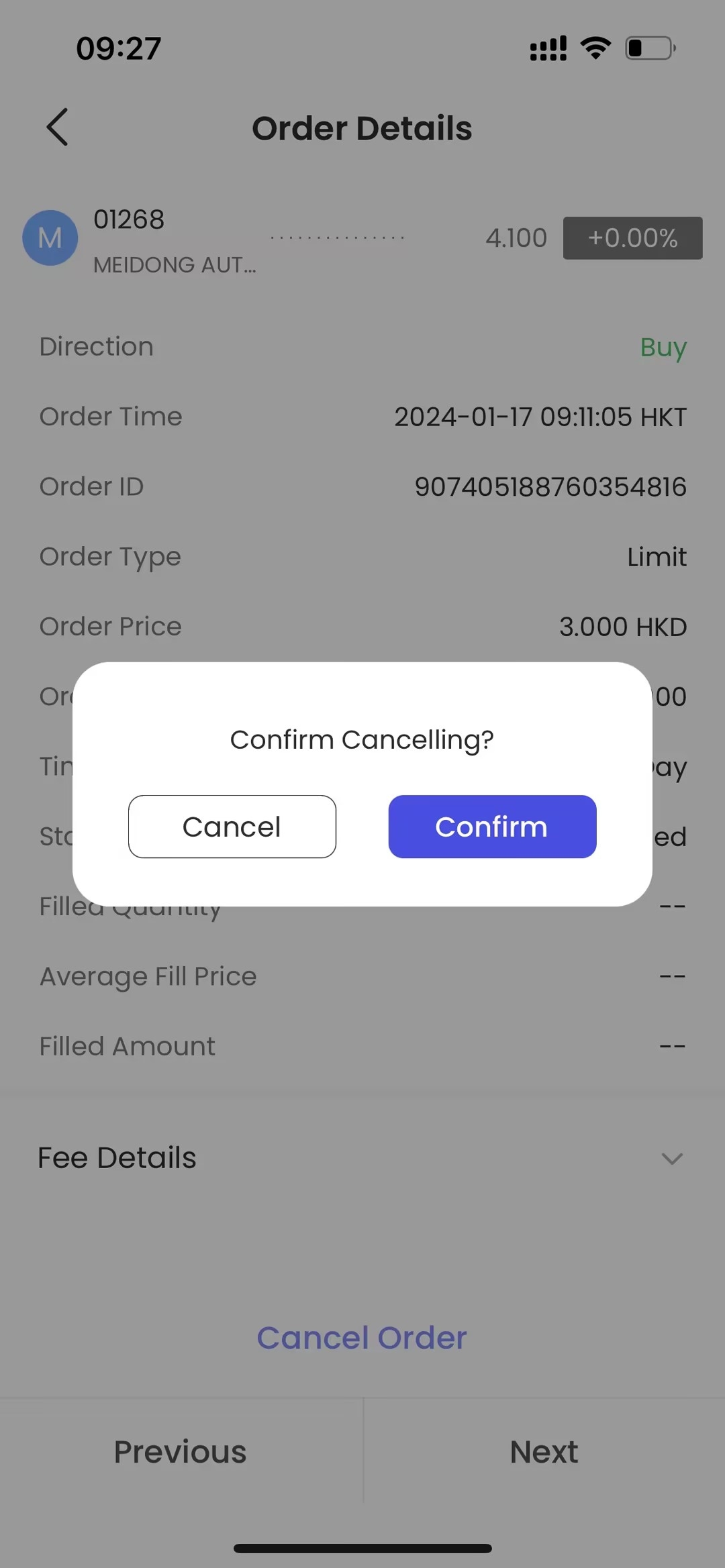
Confirm cancelling.
Check and Cancel Orders on Tradesk
Check out your order status and history orders at "Portfolio"-"Orders".
Tap a certain order to view the details.
To cancel an order, click "Cancel Order" on the order details page.
Confirm cancelling.